

Confluence is also available as an integration for Tool steps. Learn more about the Confluence integration.
Set up Confluence as a Knowledge source
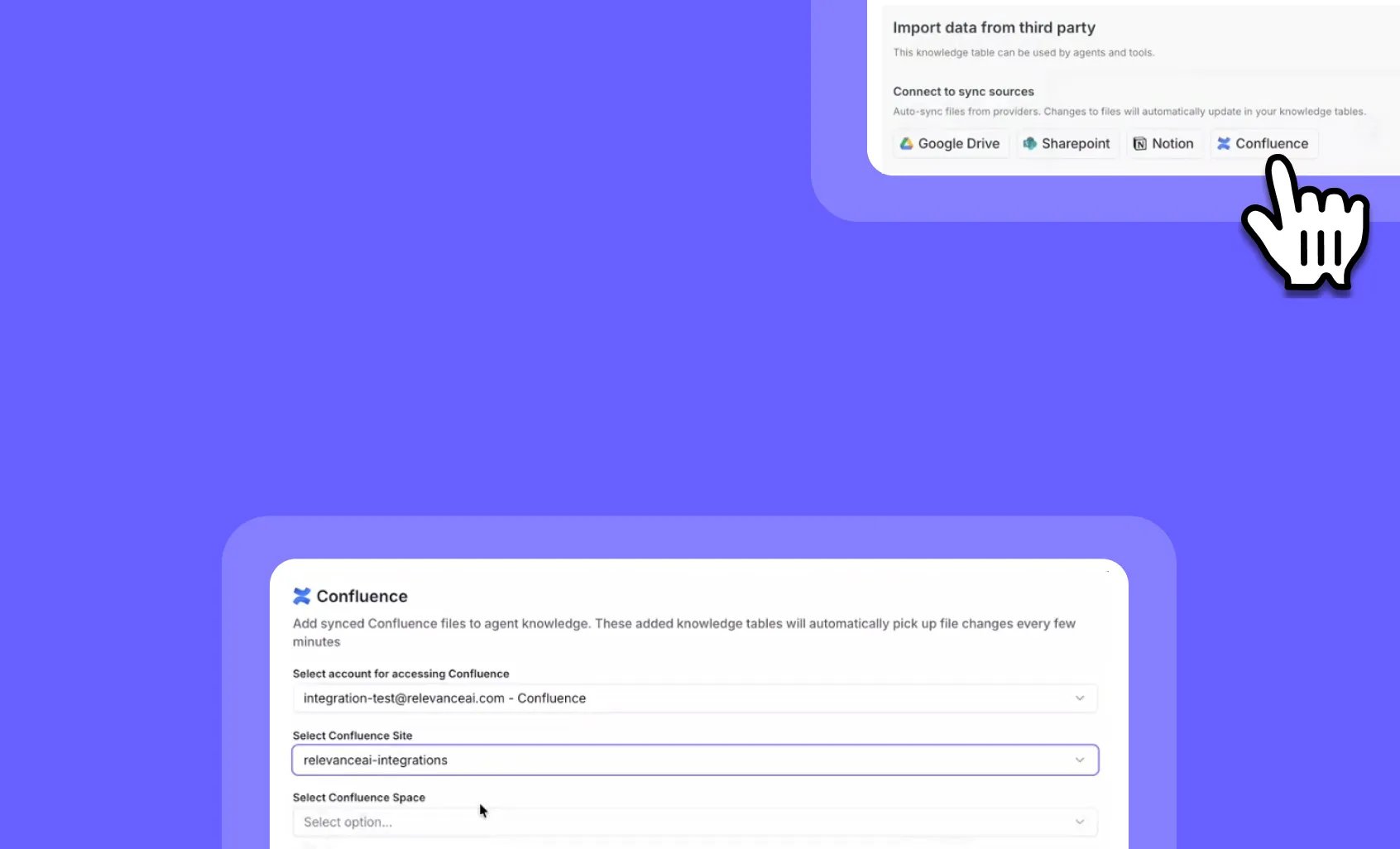
To set up Confluence as a Knowledge source, first open an Agent and head to the Build screen. Then…- Click ‘Knowledge’
- Click ‘Add Confluence’
- Select or connect the Confluence account you want to access
- Select the Confluence pages or spaces you wish to have the Agent read
- Once you’ve selected what you want to add as Knowledge, click ‘Create’
- Choose how you want the Agent to use this Knowledge on the next screen
Frequently asked questions (FAQs)
Can I add a whole Confluence space, or only individual pages?
Can I add a whole Confluence space, or only individual pages?
You can select individual pages or an entire space. Selecting a space adds its pages as Knowledge.
Do changes in Confluence sync back to Relevance AI?
Do changes in Confluence sync back to Relevance AI?
Yes. When the content of a connected Confluence page changes, the Knowledge table updates automatically — you don’t need to re-add the page.